skip to main content

Integrated Development Environment (IDE) : Configuration : Customization : Setting Editor preferences

Setting Editor preferences
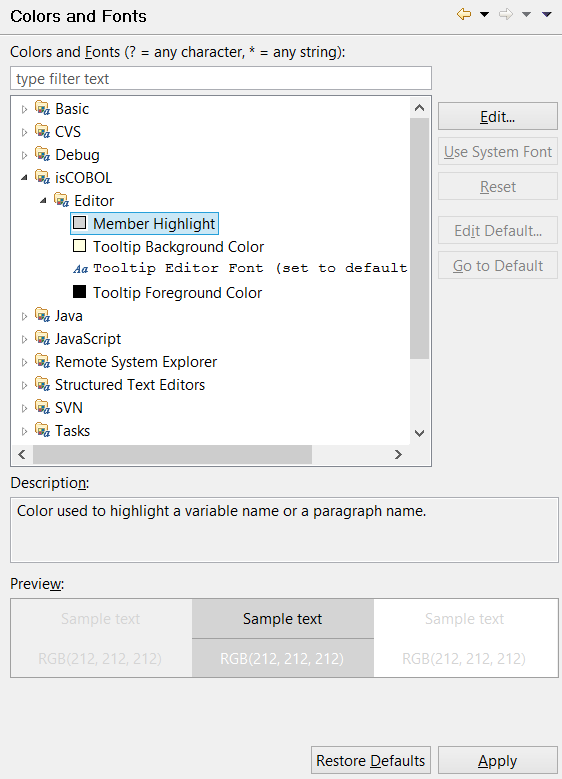
The general Colors and Fonts panel allows to configure fonts and colors for the variables highlight and tool-tips shown in the Code Editor
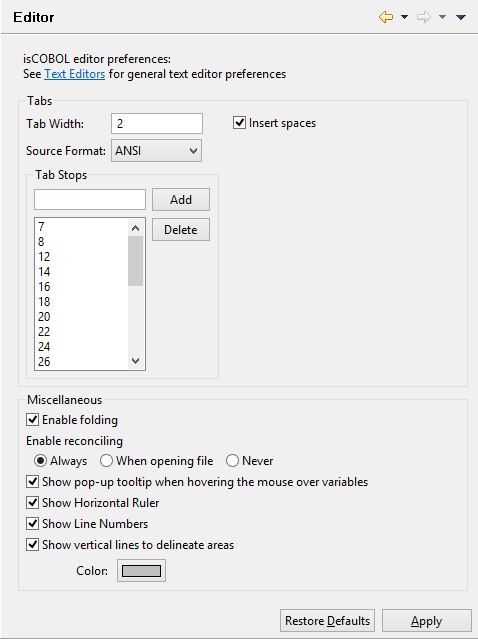
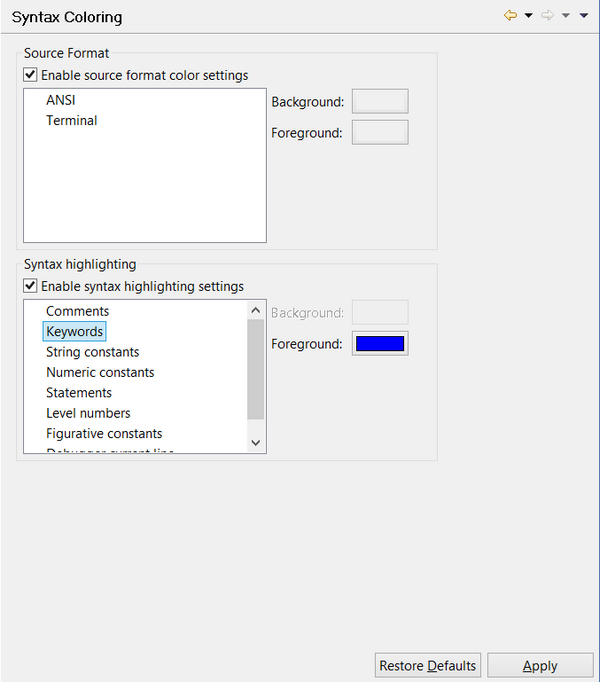
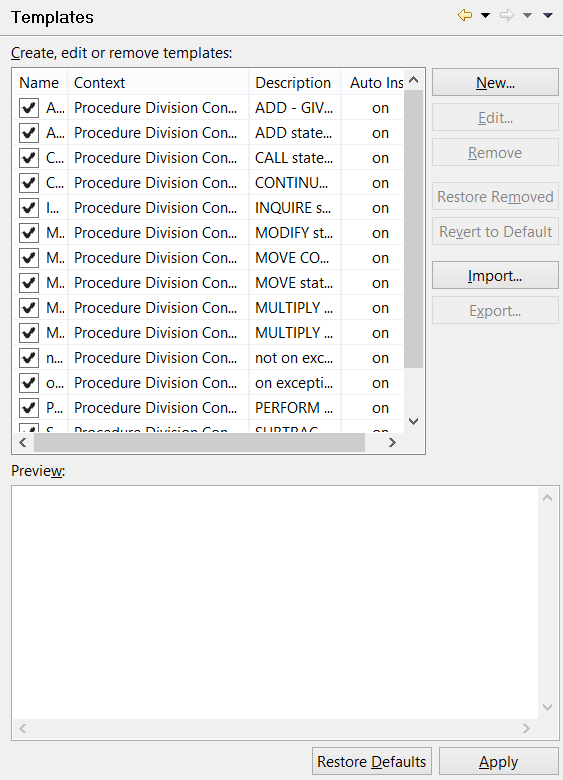
The Editor panel allows you to configure tab spacing, syntax coloring and templates for the code completion feature. It also allows you to activate the Horizontal Ruler.
Note - folding (ability to expand and collapse blocks of code) and reconciling (real time syntax checking) may cause long response times when editing huge source files (e.g. a source file with over 15.000 lines of code). If you experience bad response times while editing huge source files, you may think about disabling these features.
 
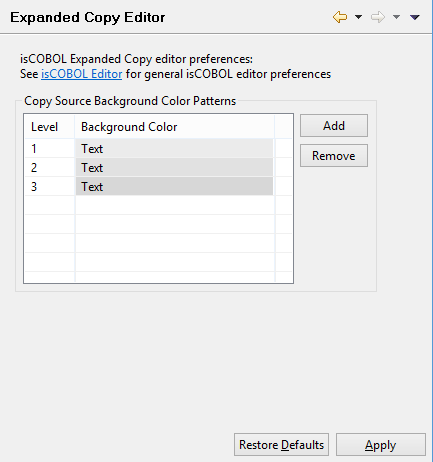
In this panel you can configure the background color used to distinguish copy files from the rest of the source code in the Copy View Editor.
 
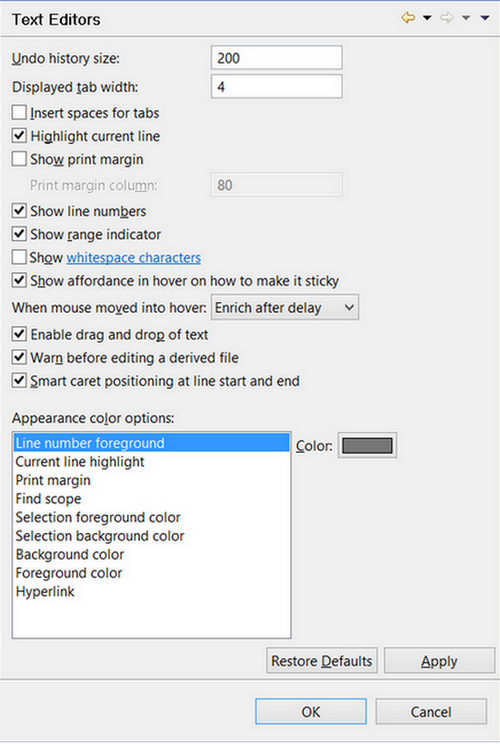
In this panel you can configure general editor settings that will be applied to every text editor installed in Eclipse, including the isCOBOL Editor.

Copyright (c) 2017 Veryant
Contact us
Please share your comments on this manual or on any
Veryant product documentation with the email button at the top left