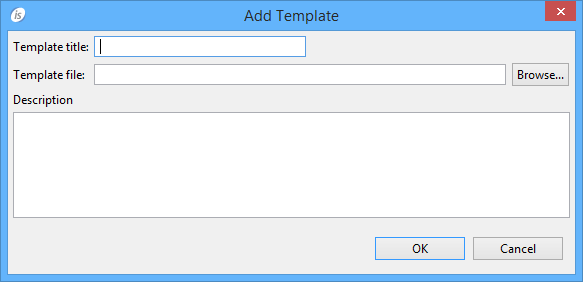
Loading Report Templates Preferences: isCOBOL -> Report Designer -> Templates The Templates panel allow to load previously exported Reports (*.irl) in order to use them as template for the new reports that you will create in the project. Click on the "Add" button to make the following dialog appear: Provide a name and an optional description for your template, then browse for the irl file. See Import / Export of Reports for information about how to produce a irl file.