skip to main content

Integrated Development Environment (IDE) : The isCOBOL IDE Perspective : isCOBOL Explorer

isCOBOL Explorer
The isCOBOL Explorer view lists all the projects of the current workspace and allows you to manage their resources. By default this view is placed on the left side of the IDE window.
The isCOBOL Explorer consists of three pages:
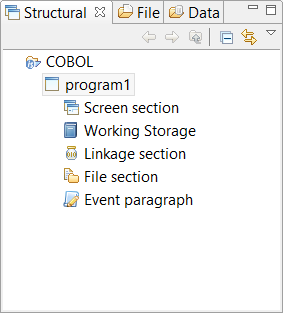
Structural
The Structural page lists the Screen Programs available in the project.
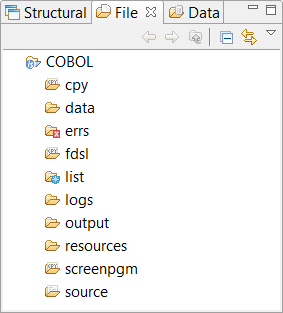
File
The File page lists the physical disc files of the project.
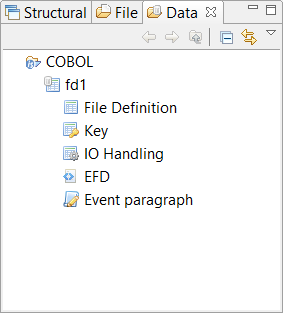
Data
The Data page lists the Data Layouts available in the project.
Filtering content
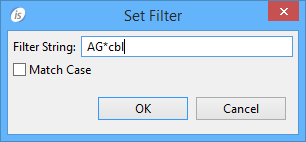
It’s possible to set a filter for the programs list in the Structural view, the fd list in the Data view and for the folders in the File view.
In order to set or edit a filter
1.
2.
right click and choose Set Filter from the pop-up menu
3.
When the container is filtered, a decoration is added to its icon in the view.
To remove a filter
1.
2.
right click and choose Remove Filter from the pop-up menu
To remove all filters in the workspace
1.
2.
right click and choose Remove All Filters from the pop-up menu

Copyright (c) 2017 Veryant
Contact us
Please share your comments on this manual or on any
Veryant product documentation with the email button at the top left