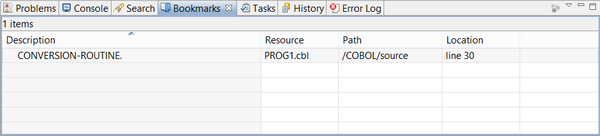
To create a new Bookmark, right click on the vertical gray bar at the left of the Code Editor and choose Add Bookmark... from the popup menu.
| Copyright (c) 2017 Veryant |
| Contact us |
|
Please share your comments on this manual or on any Veryant product documentation with the email button at the top left |