skip to main content

Integrated Development Environment (IDE) : The isCOBOL IDE Perspective : Tasks

Tasks
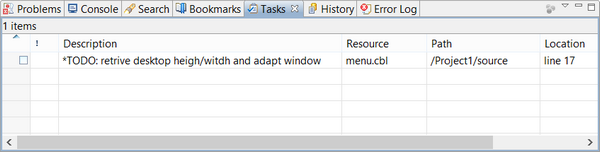
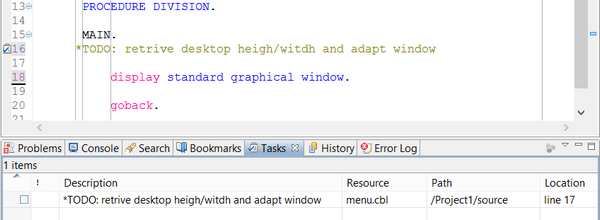
The Tasks view displays all Tasks set in the current Workspace.
To create a new Task, right click on the vertical gray bar at the left of the Code Editor and choose Add Task... from the popup menu.
A new Task is automatically created for each commented line that includes the keywords TODO or FIXME.
To reach the source line associated to the Task, double click on the Task row in the Tasks view.

Copyright (c) 2017 Veryant
Contact us
Please share your comments on this manual or on any
Veryant product documentation with the email button at the top left