skip to main content

Integrated Development Environment (IDE) : The isCOBOL IDE Perspective : History

History
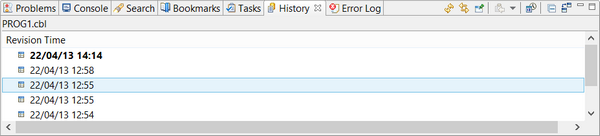
The History view lists all the changes made to a text file. Each line corresponds to a saved copy of the file. From here it’s possible to compare two different copies of the same file to see what’s different and also to restore a previously saved copy.
To populate the History view, right click in the Code Editor and choose Team / Show Local History from the popup menu.
To manage history entries, right click on their row in the view and choose the proper option from the popup menu.

Copyright (c) 2017 Veryant
Contact us
Please share your comments on this manual or on any
Veryant product documentation with the email button at the top left