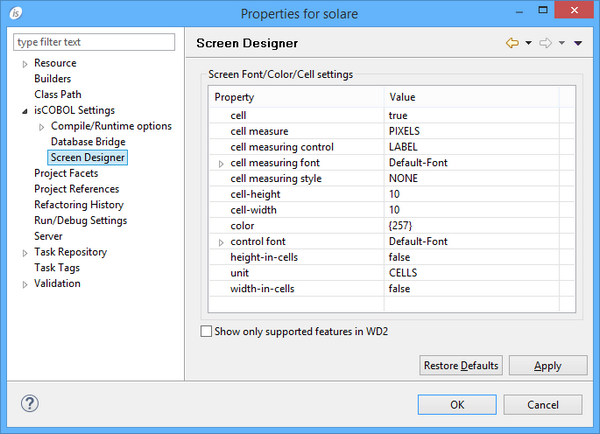
The Screen Designer panel allows you to set some defaults for the Screen Designer (see Working with Screen Programs and File Layouts for more information on this tool).When the "Show only supported features in WD2" option is checked, the properties that are not supported by WD2 are not shown in the Properties view and the controls that are not supported by WD2 are not shown in the Component Palette. This happens in the new screens that you create. If you open an existing screen that contains some components not supported by WD2, then these components are not modifiable, you can only delete them.
| Copyright (c) 2017 Veryant |
| Contact us |
|
Please share your comments on this manual or on any Veryant product documentation with the email button at the top left |