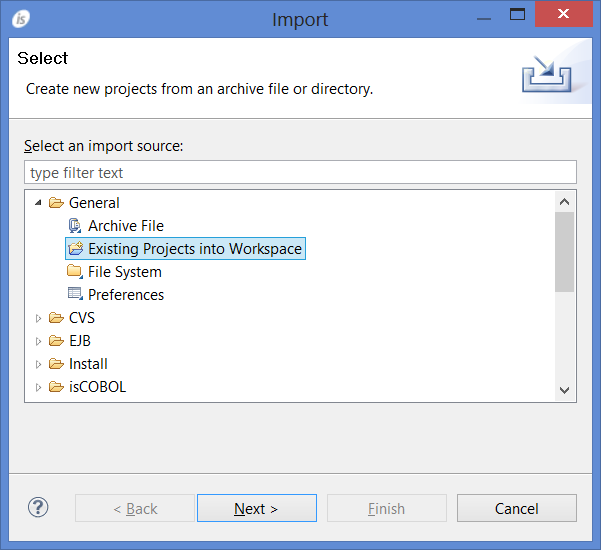
isCOBOL IDE can also import an existing project that is part of another workspace into the current workspace. To import another project, right click in the isCOBOL Explorer area and choose Import from the pop-up menu. Then select General / Existing Projects into Workspace from the tree.
| Copyright (c) 2017 Veryant |
| Contact us |
|
Please share your comments on this manual or on any Veryant product documentation with the email button at the top left |