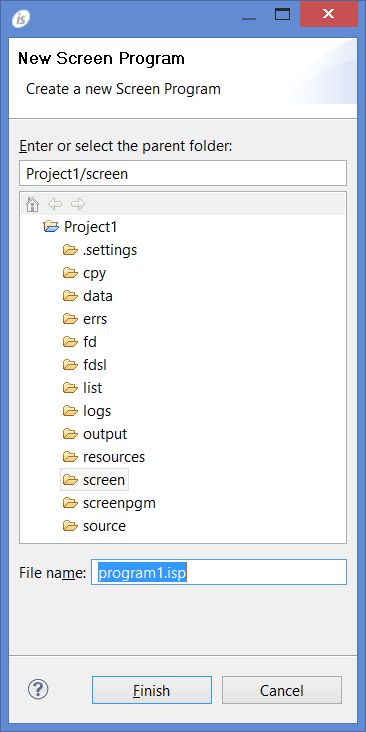
To create a new Screen Program, right click on the project name in the isCOBOL Explorer area and choose New / Screen Program from the pop-up menu. The IDE will ask for program name. Ensure that the name terminates with the .isp extension and that it’s placed in the screen folder of the project.
| Copyright (c) 2017 Veryant |
| Contact us |
|
Please share your comments on this manual or on any Veryant product documentation with the email button at the top left |