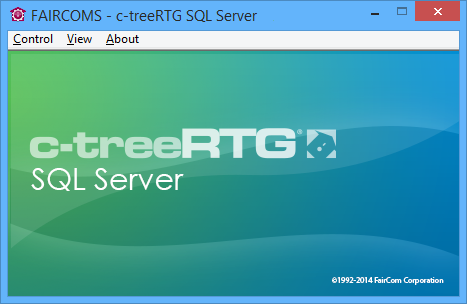
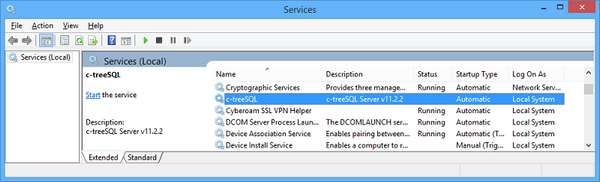
In order to start the c-tree Server in foreground mode, launch ‘ctreesql.exe’. You can run it from the Windows Start menu: Start > Programs > c-treeRTGv#.# > c-treeACE ServerUnless the entry CONSOLE TOOL_TRAY is present in the ctsrvr.cfg file, the following panel will appear.From the View menu you can hide the Message Monitor or show the Function Monitor (list of all internal functions called from clients). From the Control menu you can shut down the server. The same result is obtained by clicking on its window close button.The c-tree Server can also be started from a command prompt by running the ctreesql.exe file installed in the c-treeRTG "Server\sql" folder. It is the same executable file pointed by the link mentioned above. The ctreesql executable file supports command-line parameters allowing to specify configuration options or a custom configuration file directly on the command-line; see ctreesql command-line for details.
| Copyright (c) 2017 Veryant |
| Contact us |
|
Please share your comments on this manual or on any Veryant product documentation with the email button at the top left |