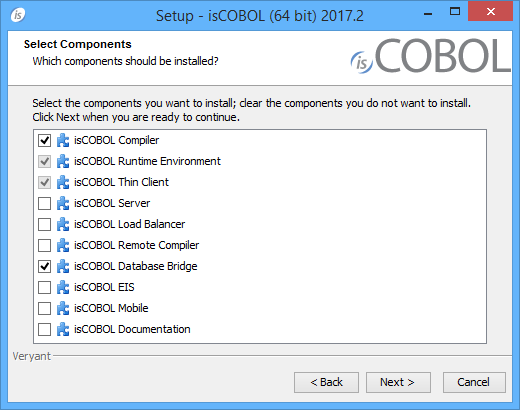
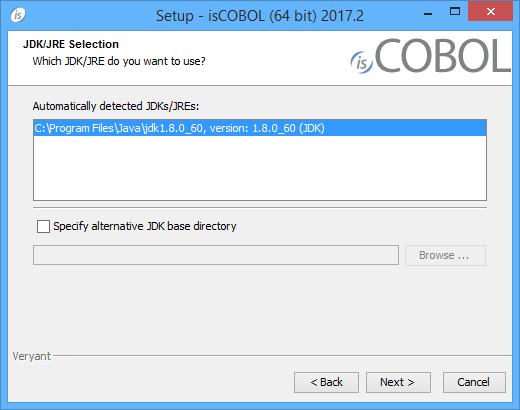
5. Scroll down to the list of files for Windows x64 64-bit or Windows x86 32-bit. Select isCOBOLyyyyR_n_Windowsarc.exe, where yyyy is the year, r is the release number, n is the build number and arc is the system architecture.Note - You can skip license activation and perform it later, as explained in Activate the License.
[P] isCOBOL parent directory: UserHome[J] JDK install directory: JavaHomeNote - if the setup script is not available for your Unix platform or you don’t want to use it, just extract the tgz content to the folder where you want isCOBOL to be installed.
| Copyright (c) 2017 Veryant |
| Contact us |
|
Please share your comments on this manual or on any Veryant product documentation with the email button at the top left |