See The AVD Manager for details on how to configure and start an AVD
Note - the above command must be adjusted according to the location and name of your apk.If the command is succesful, you will find a new app named PwdReminder in your AVD. Touch it to start.
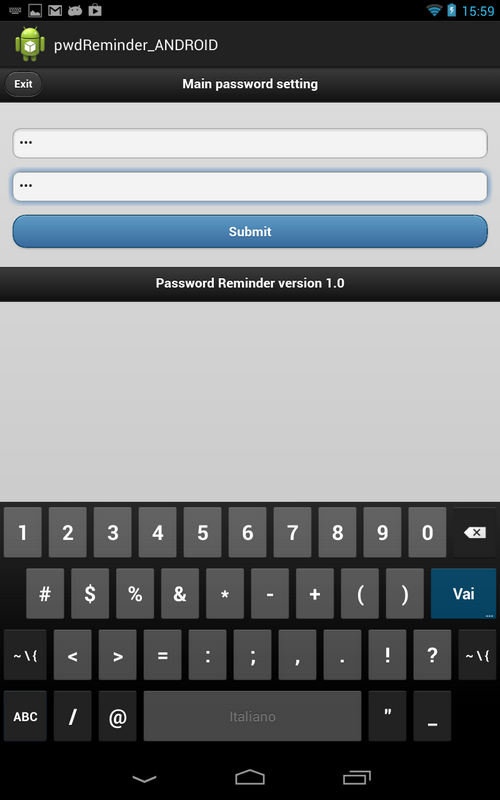
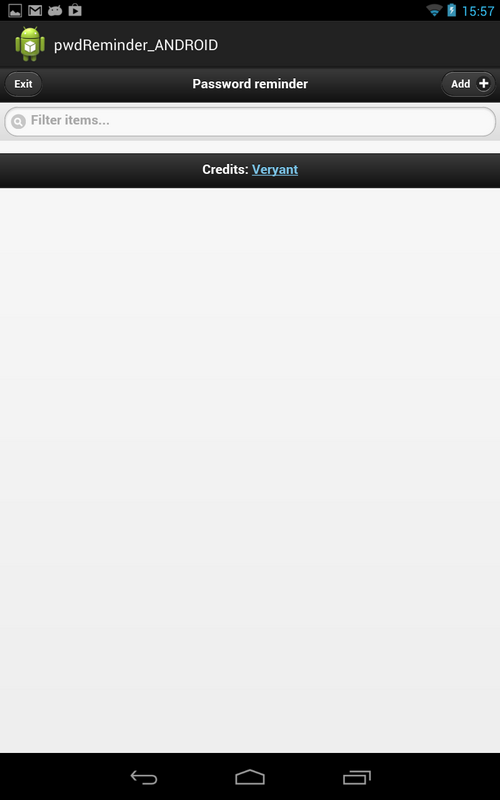
1. Type the same text in both fields and touch Submit to reach the following screen:
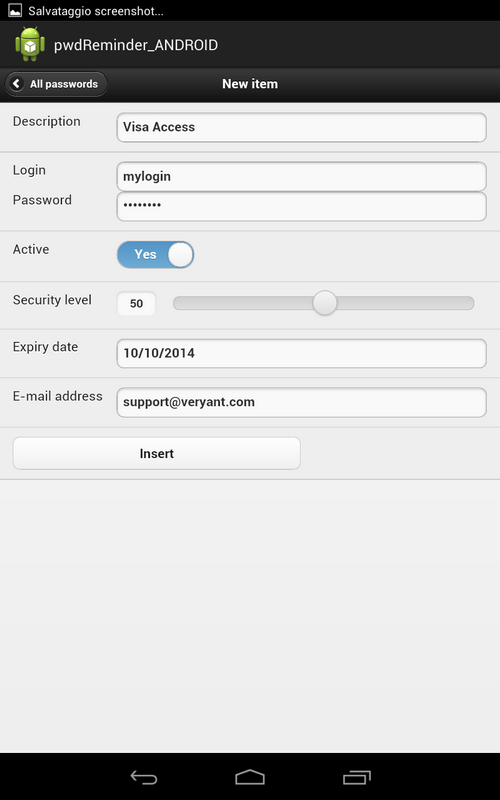
2. Touch the Add button to reach the “New item” screen where you can put free data, for example:
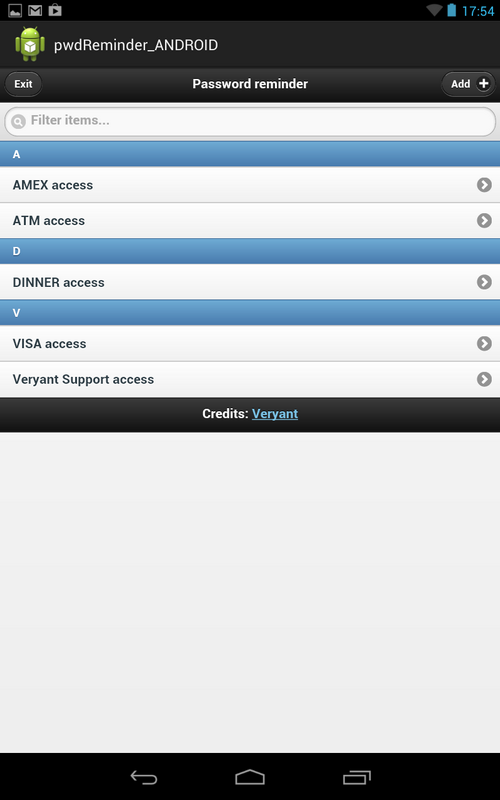
3. Touch the All passwords button to return to the list of passwords shown at step 1.
4.
| Copyright (c) 2017 Veryant |
| Contact us |
|
Please share your comments on this manual or on any Veryant product documentation with the email button at the top left |