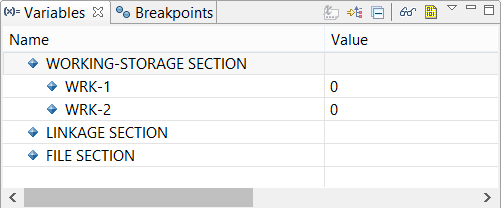
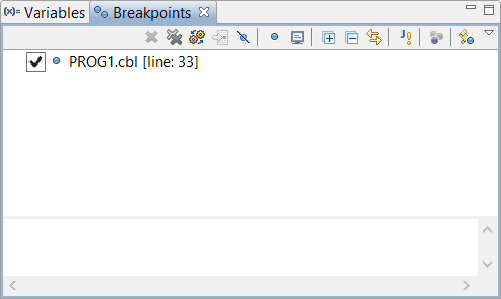
Debug Perspective A better interface for the debug process is offered by the Debug Perspective. To switch to the Debug Perspective: • click on the Window menu • choose Open Perspective • choose Debug The Debug Perspective contains two views that allow you to manage Variables and Breakpoints. The Variables view allows the user to monitor the content of variables. The Breakpoints view allows the user to toggle breakpoints and monitors. When the debugging session terminates, the IDE switches back to the isCOBOL perspective.