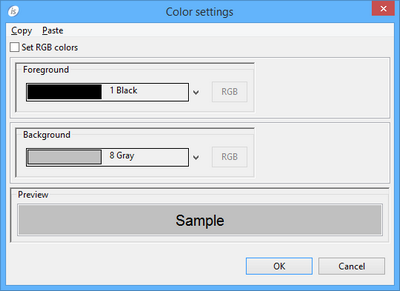
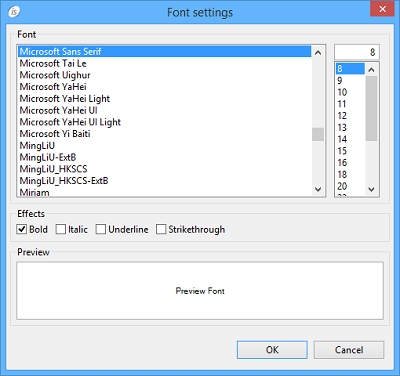
CHECK BOX Procedures AfterPrint Allows the user to create a paragraph that is performed after the report item has been printed. BeforePrint Allows the user to create a paragraph that is performed before printing the report item. Properties (name) Specifies the control name. This property is set automatically when the control is drawn. color Opens a dialog that allows the user to choose the color. column Specifies the X coordinate of the report item. font Opens a dialog that allows the user to choose the font. line Specifies the Y coordinate of the report item. lines Specifies the width of the report item. lock TRUE...Locks the control on the Report Designer so that you cannot move it anymore by dragging it with the mouse. FALSE...You can move the control on the Report Designer by dragging it with the mouse. print condition Specifies a condition (e.g. WRK-USER=”Admin”) that avoids the Report item to be printed when false. size Specifies the width of the report item. title Specifies the text shown on the report item. value 0...no check mark visible >0... check mark visible visible TRUE... The report item is visible FALSE... The report item is hidden Variables color variable Numeric variable that hosts the color value. title variable Alphanumeric variable that hosts the title. value variable Numeric variable that hosts the value. visible variable Numeric variable that hosts the visible state.