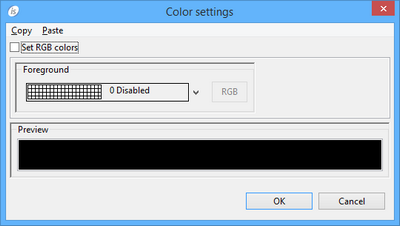
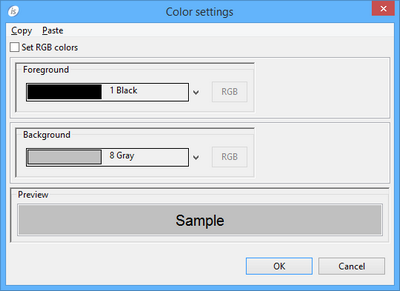
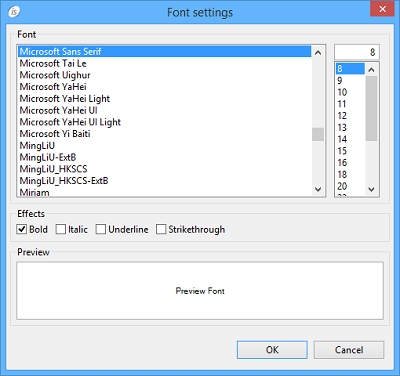
ENTRY FIELD Procedures AfterPrint Allows the user to create a paragraph that is performed after the report item has been printed. BeforePrint Allows the user to create a paragraph that is performed before printing the report item. Properties (name) Specifies the control name. This property is set automatically when the control is drawn. border color Opens a dialog that allows the user to choose the border color. border style BOXED...The border is shown NO-BOX...The border is not shown border width Specifies the width of the border. color Opens a dialog that allows the user to choose the color. column Specifies the X coordinate of the report item. display type COLLAPSE...only one space between two strings allowed KEEP SPACES....any amount of space between two strings is kept. PREFORMATTED...any format settings are kept. <PRE> and </PRE> HTML tags are generated to maintain the text format. font Opens a dialog that allows the user to choose the font. horizontal spacing Specifies the space between characters printed inside the control. hyperlink Specifies a URL to navigate if the control is clicked when displayed in a web browser. justification Center Left Right Unaligned line Specifies the Y coordinate of the report item. lines Specifies the width of the report item. lock TRUE...Locks the control on the Report Designer so that you cannot move it anymore by dragging it with the mouse. FALSE...You can move the control on the Report Designer by dragging it with the mouse. print condition Specifies a condition (e.g. WRK-USER=”Admin”) that avoids the Report item to be printed when false. print if repeat TRUE...When consecutive records contain the same data values, both data values print. FALSE...When consecutive records contain the same data values, the second (and subsequent) same data values do not print. size Specifies the width of the report item. value picture Specifies the picture for the value variable visible TRUE... The report item is visible FALSE... The report item is hidden Variables color variable Numeric variable that hosts the color value. hyperlink variable Alphanumeric variable that hosts the hyperlink. value variable Numeric variable that hosts the value. visible variable Numeric variable that hosts the visible state.