skip to main content

Integrated Development Environment (IDE) : Working with Screen Programs and File Layouts : Datasets : Creating a new Dataset

Creating a new Dataset
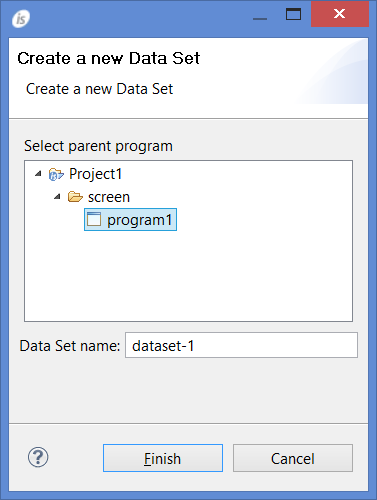
To create a new Dataset for the program, right click on the program name in the isCOBOL Explorer, select New / Data Set from the pop-up menu.
A panel will prompt you for the name of the Dataset and the program that will host it.
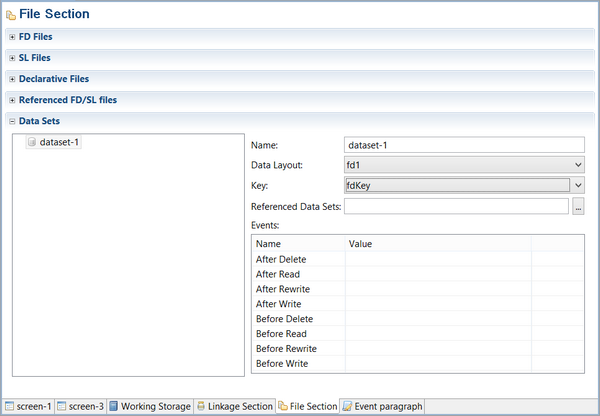
Once the Dataset has been added to the program, you can choose the following in the File Section or the Screen Program:

Copyright (c) 2017 Veryant
Contact us
Please share your comments on this manual or on any
Veryant product documentation with the email button at the top left